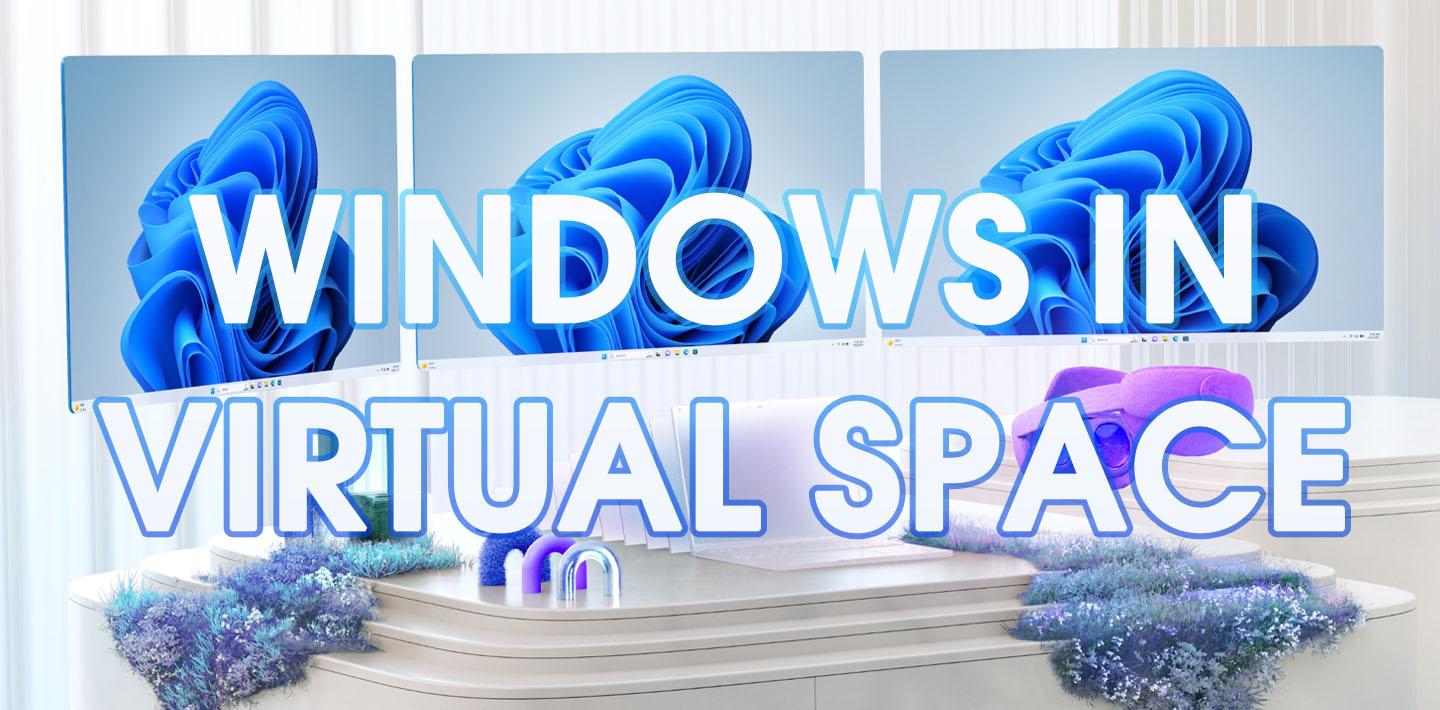
Windows 11 has gone virtual. Well, not entirely virtual, but thanks to Windows Mixed Reality Link, users can now enjoy full use of Windows 11 on Meta Quest 3 and Quest 3S headsets.
A Link Between Worlds
Windows users can quickly and easily connect their Windows 11 PC to their Quest and implement up to three virtual monitors in smooth, vivid mixed reality. While the minimal latency will still be enough to keep this feature from being a favorite of gamers - at least in its current iteration - Windows Mixed Reality Link seems like a fantastic opportunity for users to bring their 2D work and entertainment into a 3D space.
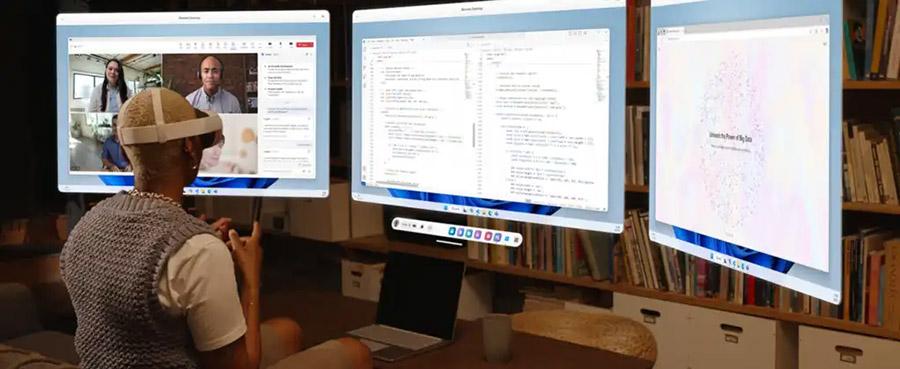 Windows Mixed Reality Link allows up to three virtual monitors for productivity and, frankly, more exciting uses. [Image: Microsoft]
Full color passthrough allows users to remain aware of their physical surroundings while monitors are overlaid via their Quest. Virtual monitors can be run at 720p, 1080p, or 1440p in four different aspect ratios, the largest being a 32:9 curved ultra-wide panel.
Connection is quick and easy thanks to a QR code, letting users dive right in with minimal setup time. All that’s needed is a Meta Quest 3 or Quest 3S running Horizon OS v81 (or newer) and a PC running Windows 11 (22H2 or later); both devices must be connected to the same 5GHz or 6GHz Wi-Fi network.
Your Home, Your Porn
Windows Mixed Reality Link brings to the Quest line what Apple Vision Pro users have been enjoying since that device’s launch: spatial computing. With Quest 3 ringing up at registers at just one-seventh the price of Vision Pro, Link makes Meta’s flagship device line a far more affordable entry point into MR and spatial computing.
 Throwing a bunch of your favorite scenes or clips onto one monitor for simultaneous playback is just one way virtual monitors can be used for porn. [Image: VRBangers]
While using Windows 11 in mixed reality might not immediately leap out as something porn fans would gain much from, a closer look should show those users the potential here. From a trio of monitors showing high-res “porn walls” made from 2D clips to enhanced porn browsing in your virtual environment and seamless switching between full VR experiences and general PC use, there are undoubtedly some very fun ways to enjoy adults-only content via this app.